

Please Select a Live State Specific Live CPE Webinar
Earn Valuable CPE Credits Through Our R&D Tax Credit Webinars
Our live and on-demand webinars offer CPAs a convenient way to fulfill continuing professional education (CPE) requirements while mastering R&D tax credit strategies. Each session is designed to deliver actionable insights while meeting NASBA standards for CPE credit eligibility. You’ll gain:
- Specialized Knowledge CPE in taxation and innovation incentives
- Practical Case Studies demonstrating real client scenarios
- Interactive Q&A with leading R&D credit specialists
- Downloadable Resources including checklists and documentation templates
Whether you’re looking to expand your service offerings or better advise innovative clients, our CPE-eligible webinars provide both the credits and the expertise you need. Attend live sessions to engage directly with presenters, or access our on-demand library to learn at your own pace – all while maintaining your professional licensure requirements.
Alabama and the R&D Tax Credit


Alaska and the R&D Tax Credit

Arizona and the R&D Tax Credit

Arkansas and the R&D Tax Credit

California and the R&D Tax Credit

Colorado and the R&D Tax Credit

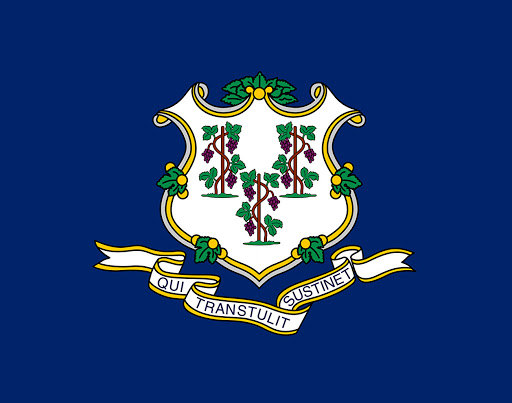
Connecticut and the R&D Tax Credit
Delaware and the R&D Tax Credit

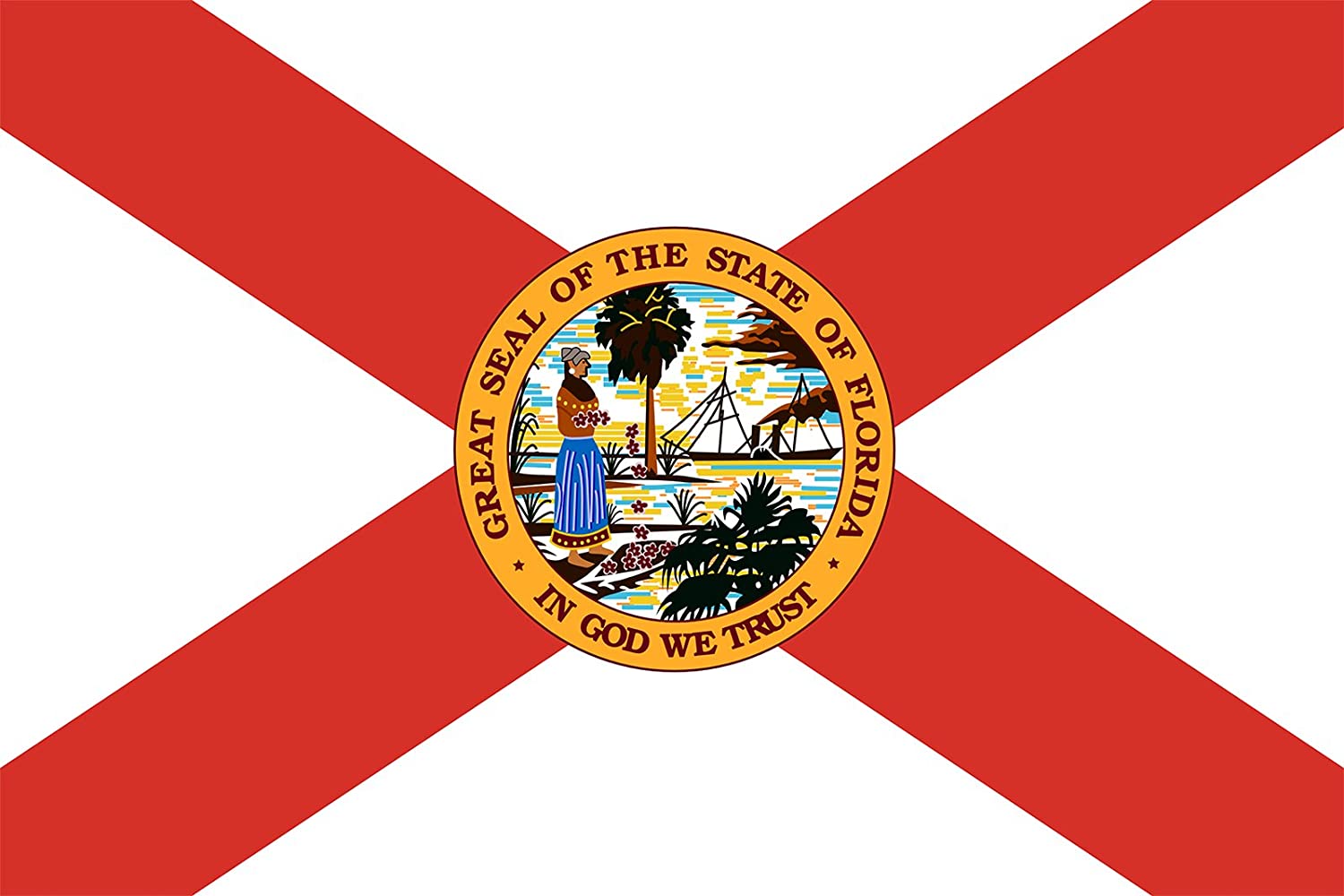
Florida and the R&D Tax Credit
Georgia and the R&D Tax Credit

Hawaii and the R&D Tax Credit

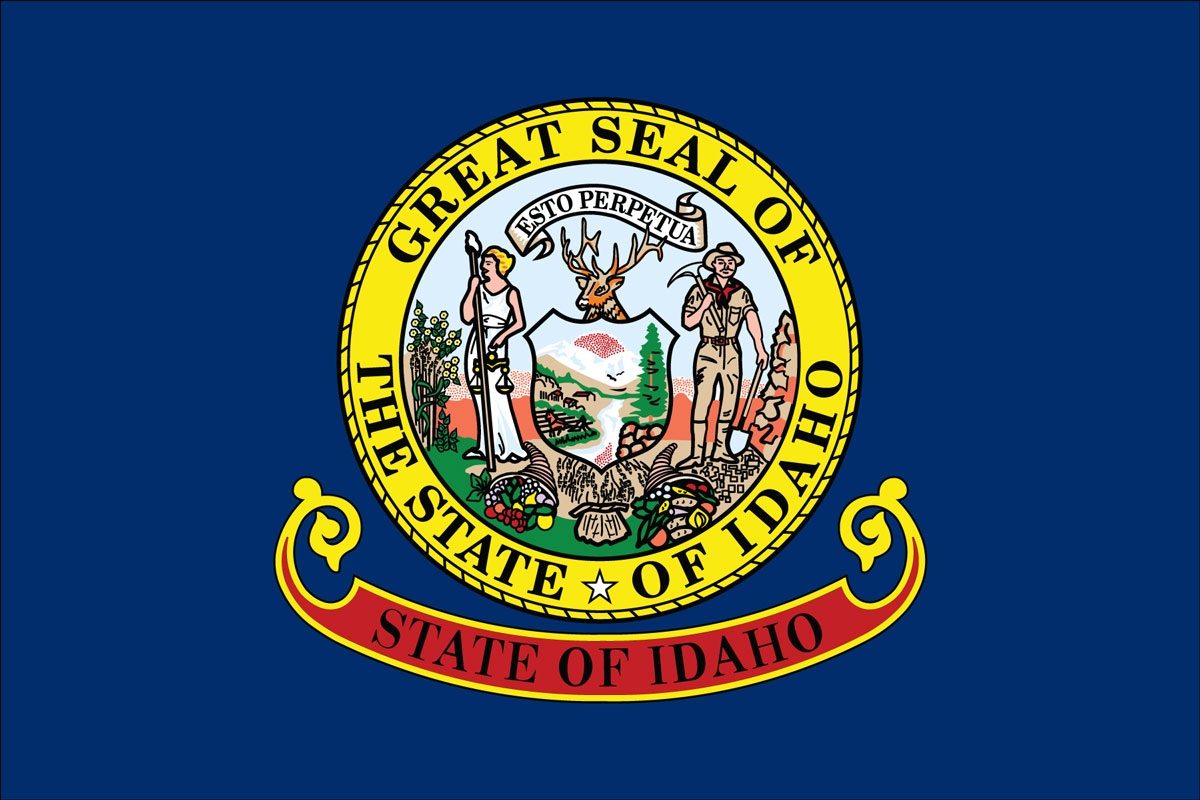
Idaho and the R&D Tax Credit
Illinois and the R&D Tax Credit

Indiana and the R&D Tax Credit

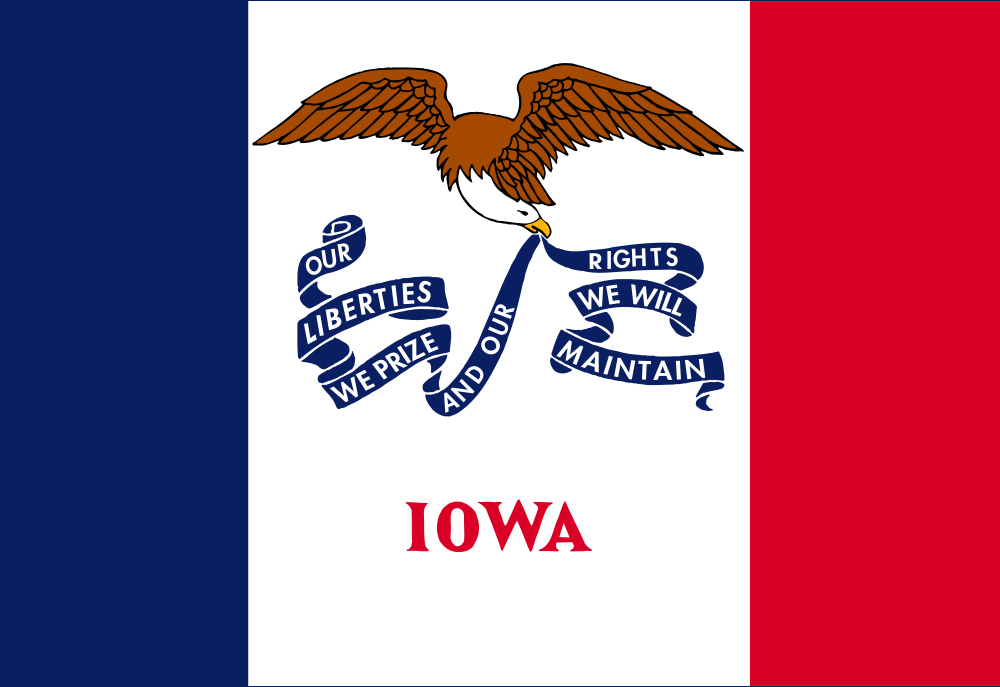
Iowa and the R&D Tax Credit
Kansas and the R&D Tax Credit

Kentucky and the R&D Tax Credit

Louisiana and the R&D Tax Credit
Maine and the R&D Tax Credit

Maryland and the R&D Tax Credit

Massachusetts and the R&D Tax Credit

Michigan and the R&D Tax Credit
Minnesota and the R&D Tax Credit

Mississippi and the R&D Tax Credit

Missouri and the R&D Tax Credit
Montana and the R&D Tax Credit
Nebraska and the R&D Tax Credit

Nevada and the R&D Tax Credit
New Hampshire and the R&D Tax Credit

New Jersey and the R&D Tax Credit

New Mexico and the R&D Tax Credit

New York and the R&D Tax Credit

North Carolina and the R&D Tax Credit

North Dakota and the R&D Tax Credit
Ohio and the R&D Tax Credit

Oklahoma and the R&D Tax Credit

Oregon and the R&D Tax Credit

Pennsylvania and the R&D Tax Credit

Rhode Island and the R&D Tax Credit

South Carolina and the R&D Tax Credit

South Dakota and the R&D Tax Credit
Tennessee and the R&D Tax Credit

Texas and the R&D Tax Credit

Utah and the R&D Tax Credit

Vermont and the R&D Tax Credit

Virginia and the R&D Tax Credit

Washington and the R&D Tax Credit

West Virginia and the R&D Tax Credit

Wisconsin and the R&D Tax Credit

Wyoming and the R&D Tax Credit